
The 10x skill for AI engineers in 2026: agent feedback loops
How to give AI coding agents the feedback they need

Hey there 👋,
Here’s a truth: no one can build software without feedback.
Engineers don’t one-shot code. We make mistakes on the first try. Syntax errors, wrong variable names, off-by-one bugs. But we run the code and use that feedback to self-correct. Red squiggles in the IDE. Stack traces in the terminal. Failing tests. We fix, run again, iterate until it works.
This is so fundamental we take it for granted. The feedback loop is the process.
Agents are the same way.
Right now, most engineers treat agents like they should do something we’ve never done: write working code on the first try without running it. When the agent fails (code doesn’t work), we call it “hallucination.” But imagine trying to write code without having the ability to run tests or run the app to verify it’s working.
It’s not a reasoning problem. It’s a visibility problem.
The Problem: You’ve Become the Loop
Watch what happens in most agent workflows:
The Manual Loop (Slow): Agent → You → Terminal → You → Copy/Paste → Agent
You’re the feedback loop. The agent generates code in seconds, but you take minutes to close each iteration.
You’ve become the slowest part of the system.
The Closed Loop (Fast): Agent ↔ Terminal
Agents Are Brilliant But Blind
Here’s the mental model that changed how I work with agents:
Before every task, ask: what can my agent actually see?
Each session starts fresh. No memory of your codebase. No context from yesterday. The agent only knows what’s in its context window right now.
If it can’t see the error, it can’t fix the error. If it can’t see the test output, it doesn’t know something is broken. If it can’t see the logs, it can’t debug the integration.
There are three types of feedback agents need:
Execution output. Stack traces with line numbers. The agent needs to run the code and see what happens.
Test results. Specific assertion failures. “Expected 200, got 401” is actionable. “Tests failed” is noise.
System logs. API responses, container logs. For anything with dependencies, the bug is often in the integration.
If you can’t debug it with the information available, neither can the agent.
The Fix: CLAUDE.md
Claude Code reads a file called CLAUDE.md from your project root at the start of every conversation. This is where you tell the agent to verify its own work.
The same concept can be found in other coding agents like OpenCode.
# Development Process

## After code changes:
1. Run `uv run pytest` - all tests must pass
2. Run `ruff check . --fix` - fix linting issues

## Rules:
- Do NOT ask me to run tests. Run them yourself.
- If tests fail, read the output, fix, re-run.
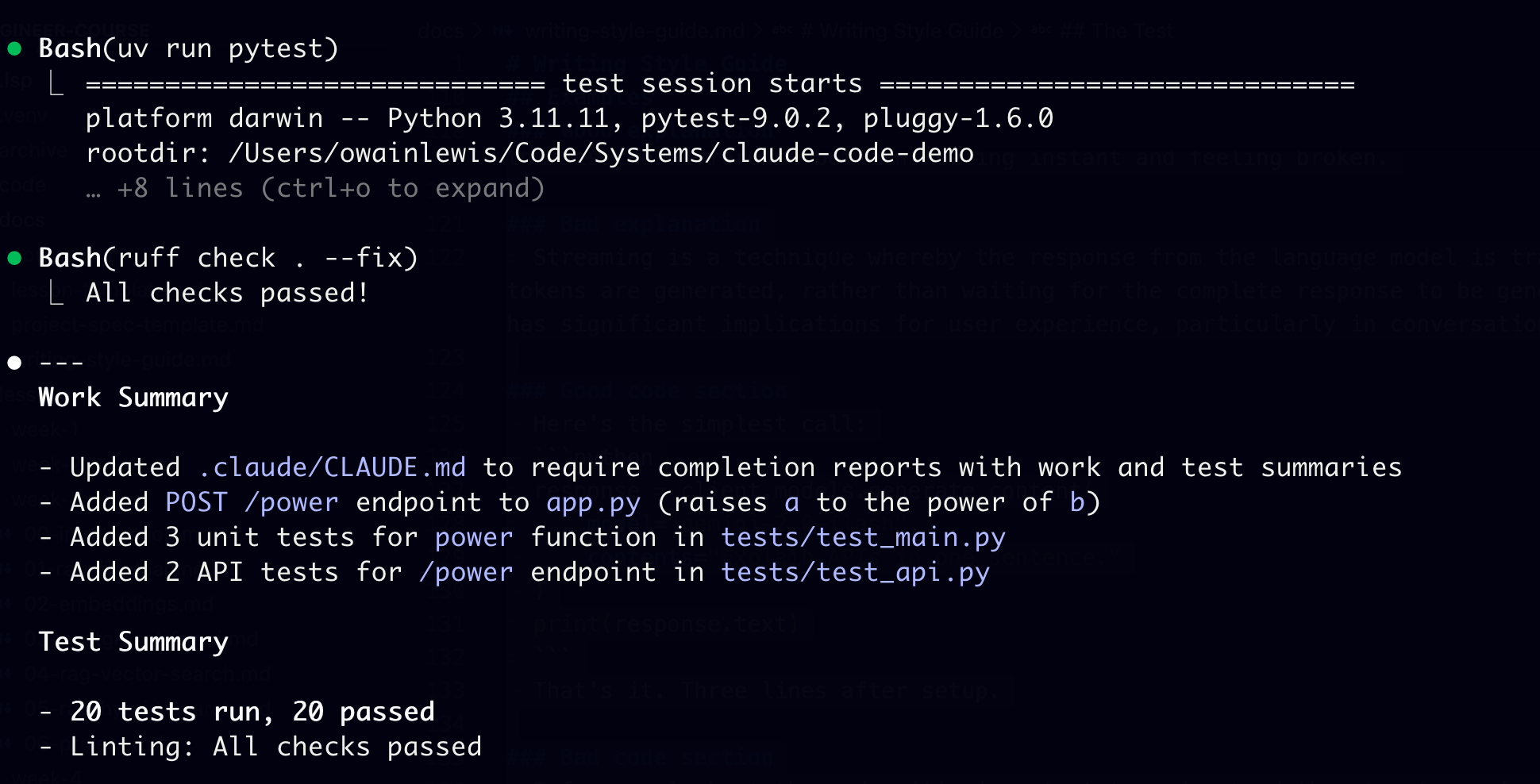
- Provide a summary including the files you've changed and test results
This is the first step towards building a closed loop workflow. Agent writes code and then it verifies it’s own work.
Commands for Heavy Workflows
Tests run fast. But spinning up servers, running E2E suites, checking logs? Make those on-demand commands.
Create .claude/commands/e2e.md:
# End To End Test

Test the endpoint: $ARGUMENTS

1. Run `./scripts/e2e.sh $ARGUMENTS`
2. If it fails, read the logs, fix, test again.
Keep heavy verification logic in shell scripts. The command just tells the agent what to run and what to do when it fails.
The Shift
Every time you run tests and copy output back, start a server and paste the error, check logs to see what went wrong, you’re doing work the agent should do.
The agent can run commands. The agent can read output. The agent can iterate. You just have to tell it what “working” looks like.
Build feedback loops for your coding agents.
Thanks for reading.
Have an awesome week : )
P.S. If you want to go deeper on building professional AI systems, I run a community where we do this hands-on: https://skool.com/aiengineer